How clients install it
- Open your website on their phone From the link you send or the QR code at the front desk.
- Tap “Add to Home Screen” They see the prompt with your icon.
- Done Your app is on their phone, with your name.
Notifications that prevent no-shows
On iPhone, notifications work once the app has been added to the home screen.
- Booking confirmed.
- Reminder before class.
- A spot opened from the waitlist.
- Your announcements to everyone (schedule changes, closures).
What about the App Store and Google Play?
Today it installs from your website, without app stores: it’s faster and doesn’t depend on Apple or Google reviews. App store versions are in development (see what we don’t do yet).
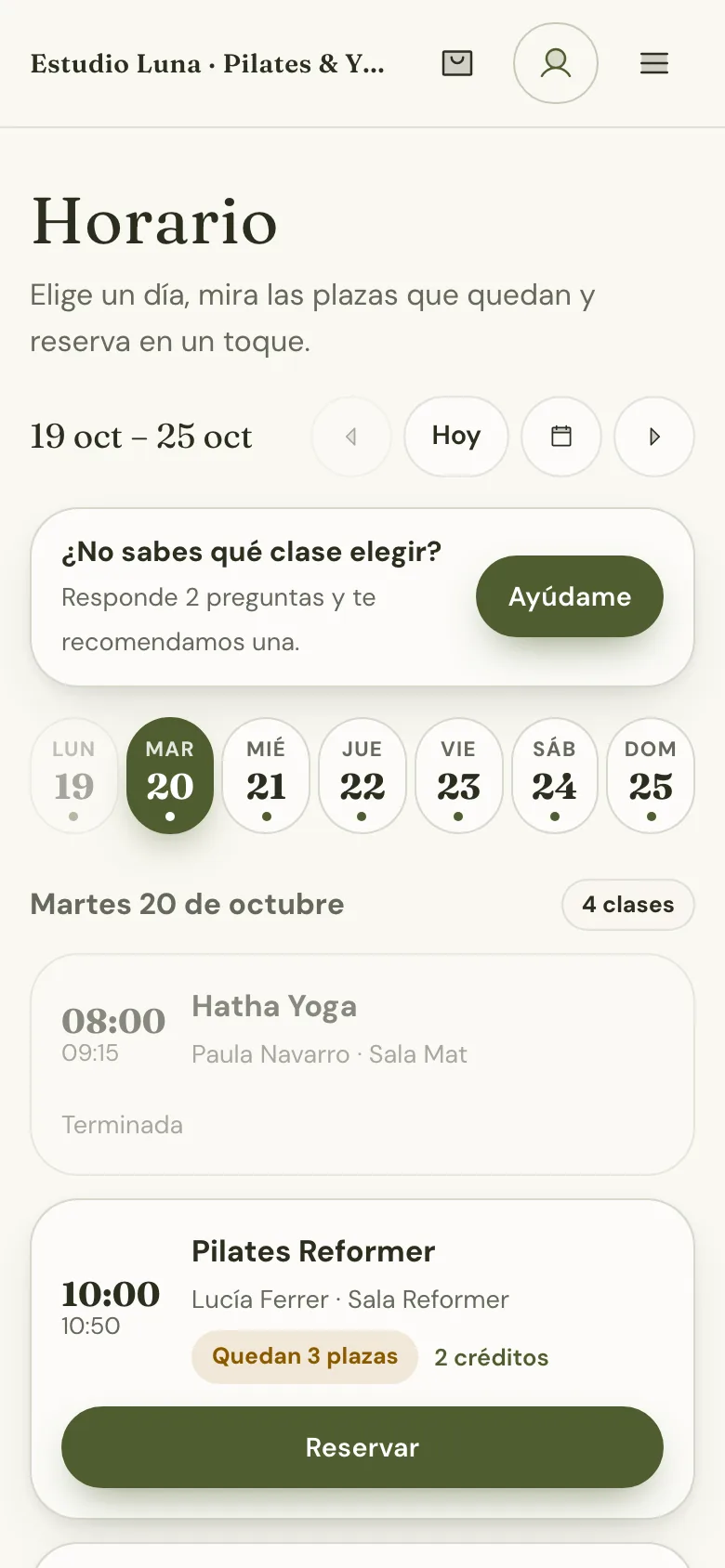
What it looks like